OpenSketch is a SketchUp-style modeler: draw on the ground or on any face, then push and pull shapes into 3D. Groups, components, solid tools, dimensions, textures and sun shadows. Written in Rust, MIT licensed.
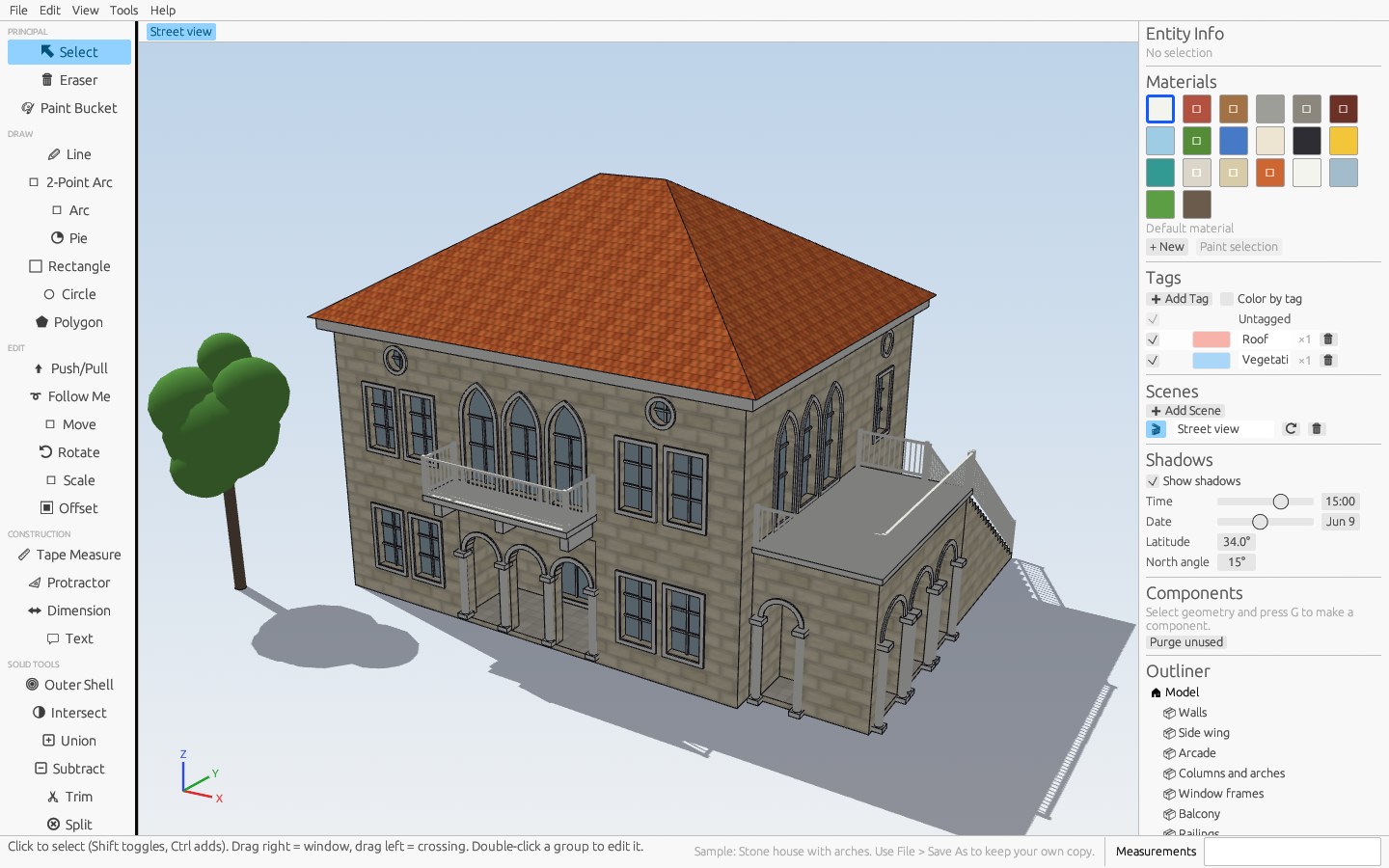
This house comes with the app: open it from File ▸ Samples, take it apart and make it your own. Its walls were pulled up from a rectangle and every window pushed in, the same way you would model it by hand.
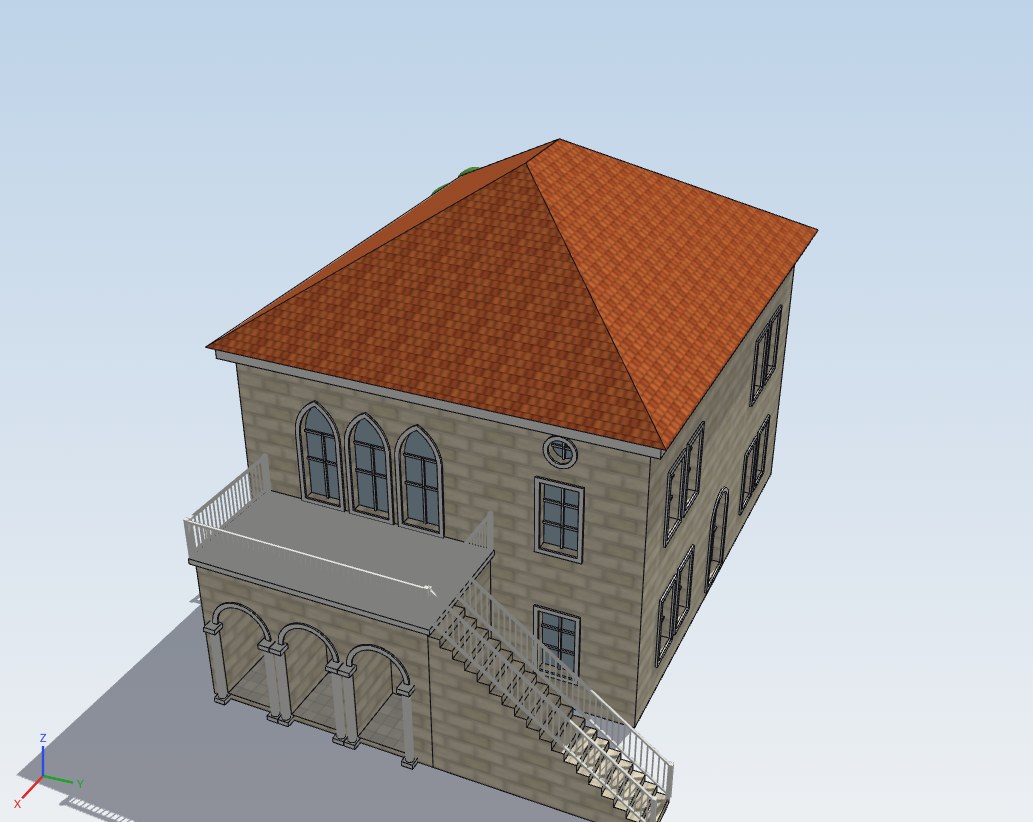
The stone house sample. Limestone walls, an arcaded wing with a terrace, stairs down to the garden. Every part is a named group you can open and edit.
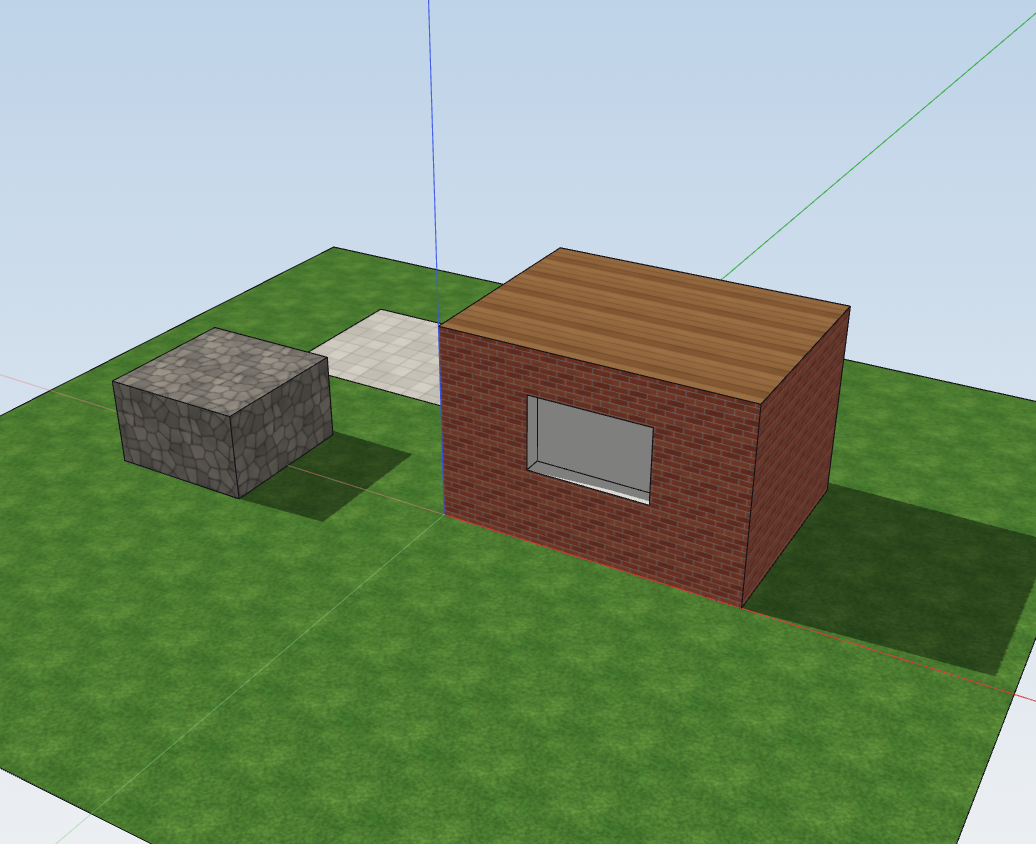
Textures and sun shadows. Built-in brick, wood, stone and tile textures, or your own images; shadows for any date, time and place.
Modeling that feels familiar
Click, move, click. The tools guess what you mean and show it as you go, so shapes come out right the first time.
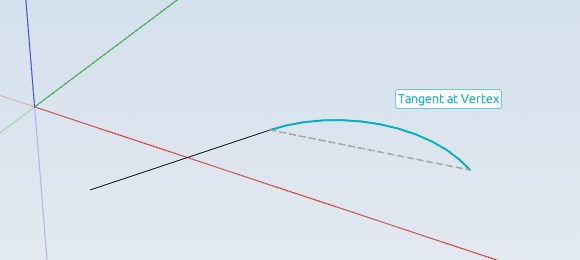
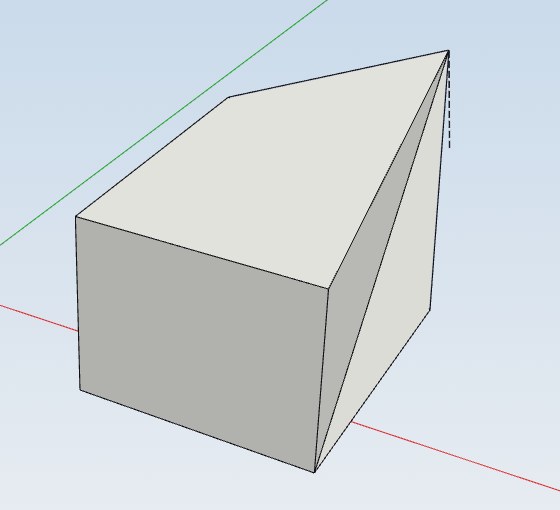
Arcs that flow. Start an arc where a line ends and it snaps to continue smoothly: it turns cyan and says “Tangent at Vertex”.Grab a corner, reshape the box. Move picks up the point under the cursor, and faces that stop being flat fold along new edges.
What it does
The geometry is "sticky" the way SketchUp users expect: lines split faces, closed loops become faces, and shapes drawn on a face can be pushed in, pulled out or punched through.
Push/Pull
Pull faces into solids, push pockets into walls, punch holes through, and let flush pushes merge back. Type an exact distance at any time.
Drawing & snapping
Lines, arcs, rectangles, circles and polygons with endpoint, midpoint, axis, guide and intersection snapping.
Groups & components
Edit in place, reuse components, and glue windows and doors to walls so they cut their own openings.
Solid tools
Union, Subtract, Intersect, Trim, Split and Outer Shell on closed groups, plus Intersect Faces and Follow Me.
Measure & document
Tape Measure guides, Protractor, linear and radial dimensions, leader text, tags and animated scenes.
Textures & shadows
Built-in brick, wood, stone and tile textures or your own images, with shadows from a sun set by date, time and location.
Download
No installer: download, extract and run. Files are saved as .osk, and models can be exported to OBJ (with textures) and STL.
The downloads aren't code-signed yet. On Windows, if SmartScreen appears, choose More info ▸ Run anyway. On macOS, right-click the file and choose Open the first time. Or build it yourself with Rust: cargo run --release
Help build it
OpenSketch is young and contributions of every size are welcome: code, bug reports, testing on your machine, docs and ideas.